The Bazaar: Auction Houses & Player Shops
Sell to other players while you sleep: claim a stall, put goods in a display case, and collect your gold at next login.
Wyvern's economy runs through the Bazaar: real shops in real places. Your goods sit in a display case in your own stall or home, other players walk in and buy them — even while you're offline — and the gold is waiting for you the next time you log in. Nothing vanishes at reboot anymore.
Used the old Auction House? Dropping items on the AH floor with offer is retired. Your goods now live safely in display cases instead — read on. If you still have an old item stamped "offered" that refuses to be worn or wielded, take it to any Auction House and rescind <item> to clean it up.
Get a shop
Every player gets one free stall. In any town Auction House, step through the Directory portal to the stall halls, then:
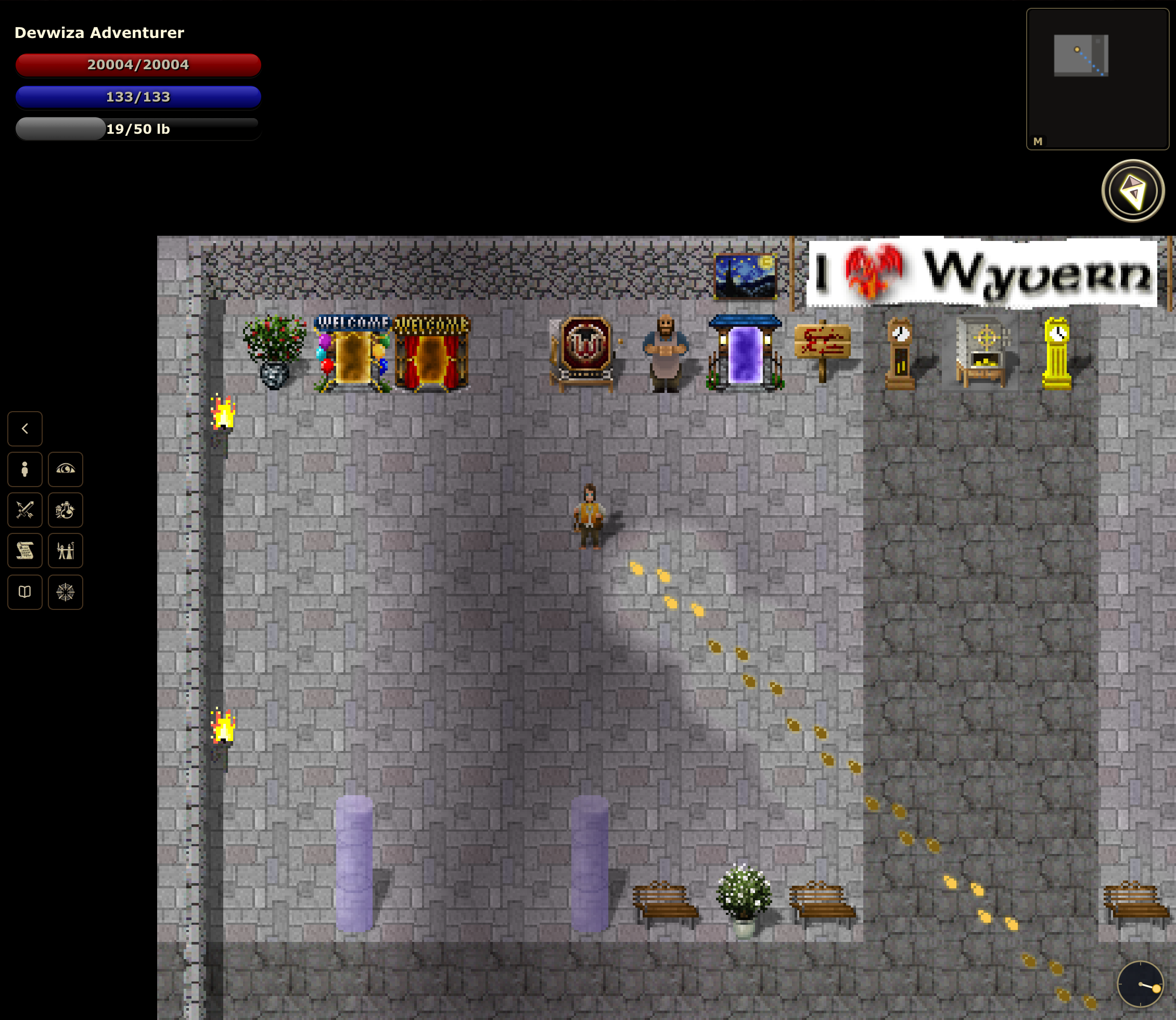
That's it — the stall is yours, with a display case ready. Prefer selling from home? Put a display case there and bazaar open to let shoppers portal in from your stall (close up anytime with bazaar close).
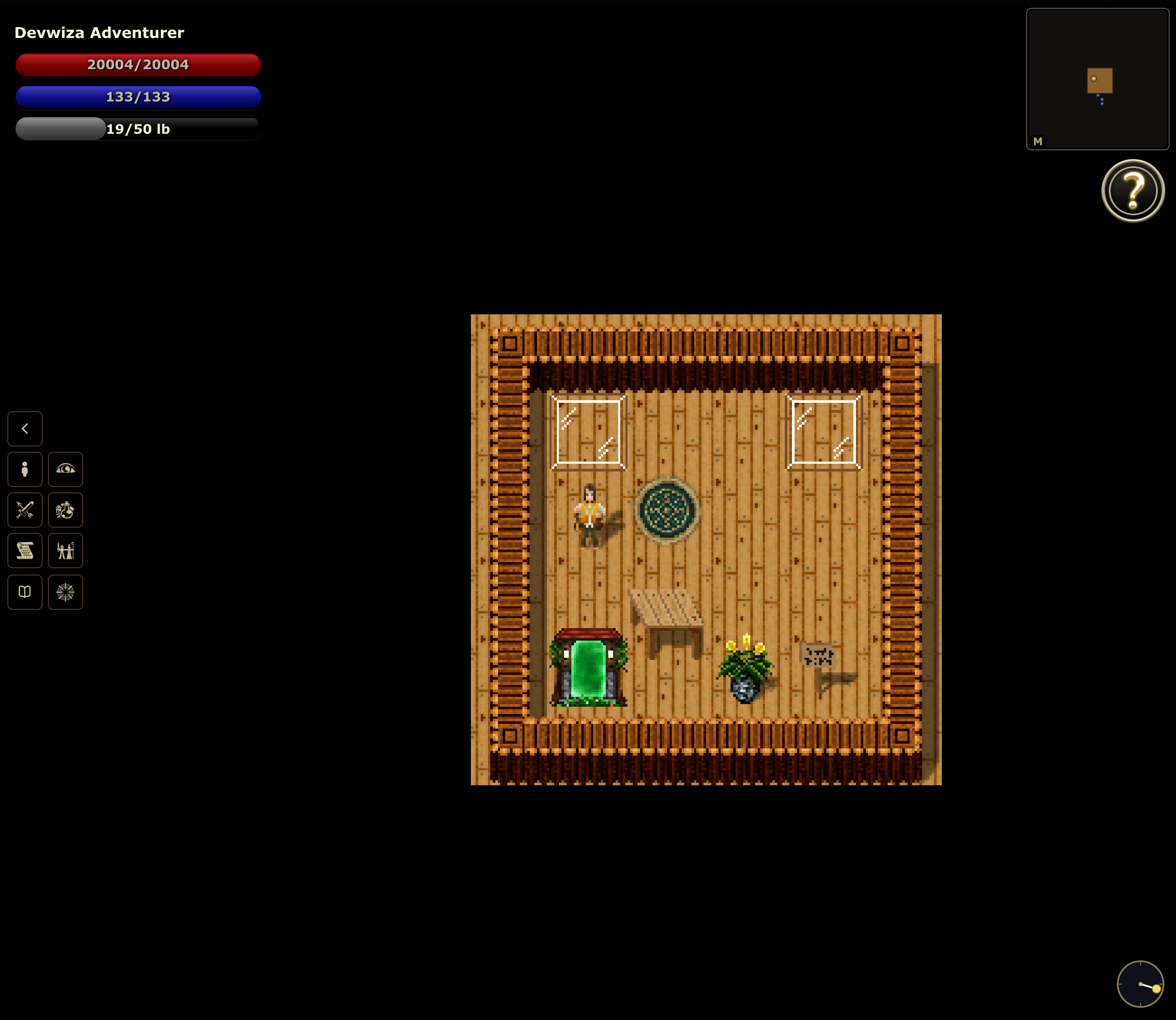
Sell something
Stand at your display case:
Prices take a k shorthand (60k = 60,000 gold). Add to <player> to reserve an item so only that player can buy it. Changed your mind? rescind <item> takes it back off sale. A sales tax comes out of each sale — it's a smooth curve that stays gentle on cheap goods, and the Merchant skill trims it further.
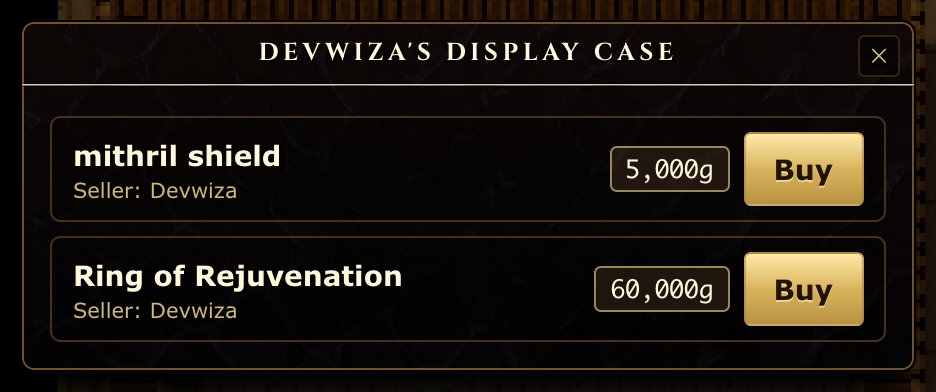
Go shopping
Find things from anywhere:
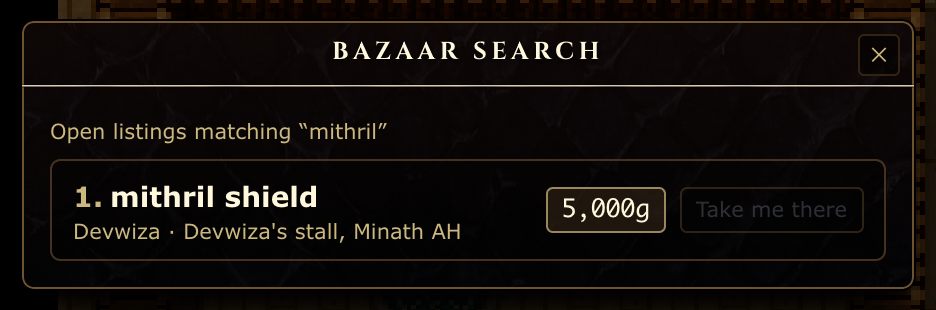
bazaar search lists every matching listing, with a jump to the seller's stall.…or just ask the concierge in any Auction House who's selling what. Walk to the seller's stall or home, browse the case, and:
The gold moves, the item's yours, on the spot. Sellers don't need to be online.
Getting paid
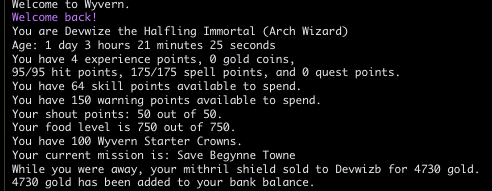
Sold something while you were away? Your earnings are banked automatically and announced at your next login. Check your stall anytime with a bare bazaar to see what's listed, what's sold, and what's owed.
Your stall keeps working while you adventure. List your loot before you log out and let the shop do the night shift.